Codeminers

Case study

Soft360

A mobile banking product for everyday retail banking: account overview, transfers, statements, secure login and product onboarding in one customer-facing app.
Soft360

Project context

Soft360 was shaped as a mobile banking channel for retail clients who need quick access to accounts, transfers, statements and bank products without calling a branch or switching to web banking.

Client challenge

The app had to combine several sensitive flows in a compact mobile interface: secure authorization, account visibility, transfer confirmation, statement generation, account selection and product application states.

Scope

Mobile product implementationCustomer journey developmentRelease and QA supportLong-term support readiness

Outcomes

Improved structure for customer-facing product journeysA foundation for ongoing product growthSupport for stable release and product evolution

Technology scope

Mobile bankingProduct flowsRelease supportBackend services

Mobile banking case

A retail banking app organized around daily financial actions.

The case focuses on the mobile layer of banking: a clear wallet view, fast movement from account to transfer, secure approval screens and product discovery. The interface keeps financial state, pending operations and user decisions visible at each step.

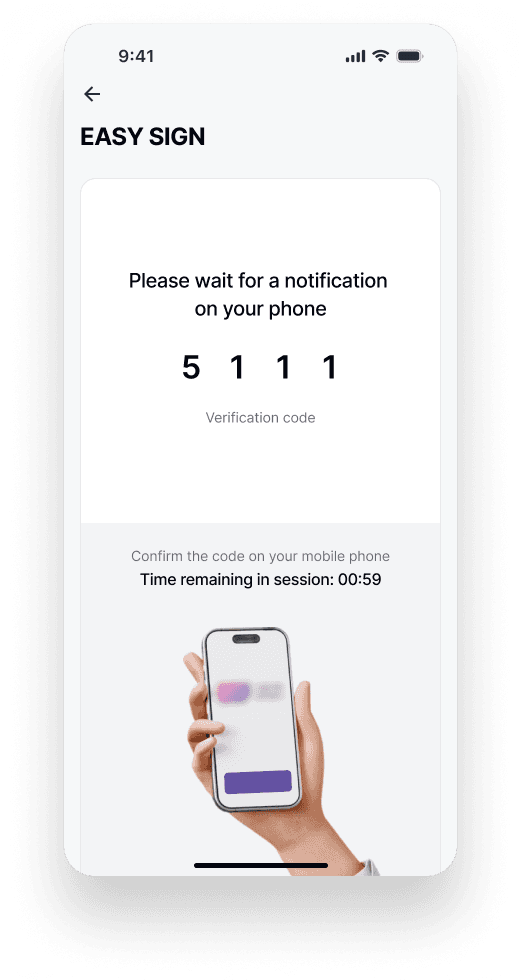
Secure login and ASAN approval
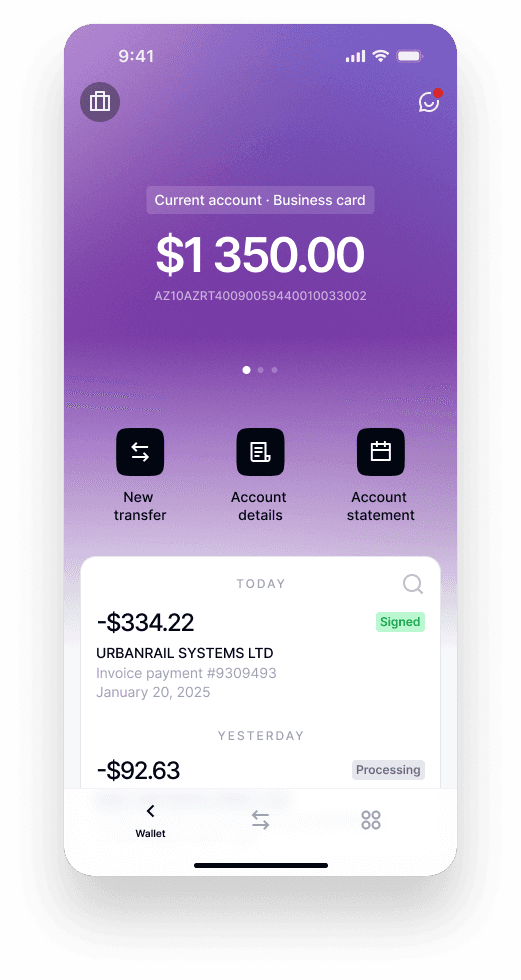
Account overview and transaction feed
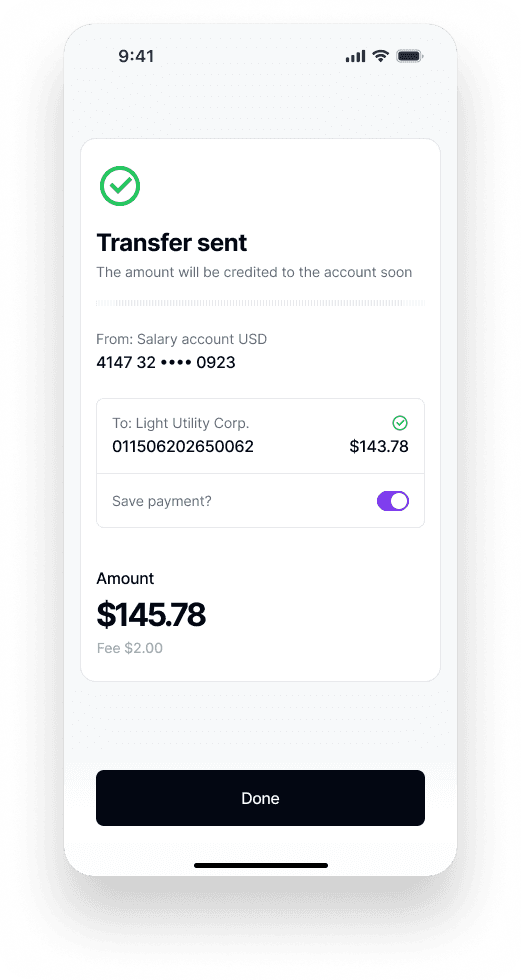
Transfer confirmation and saved payment
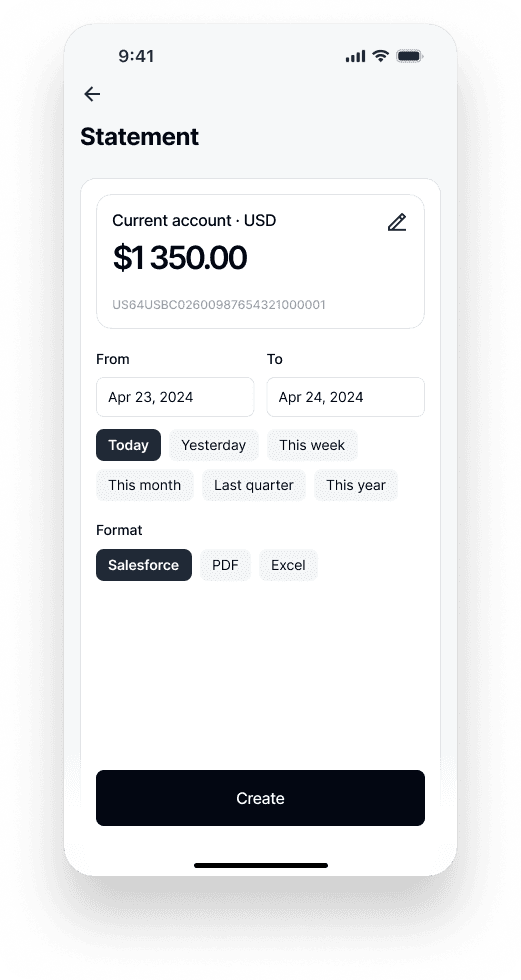
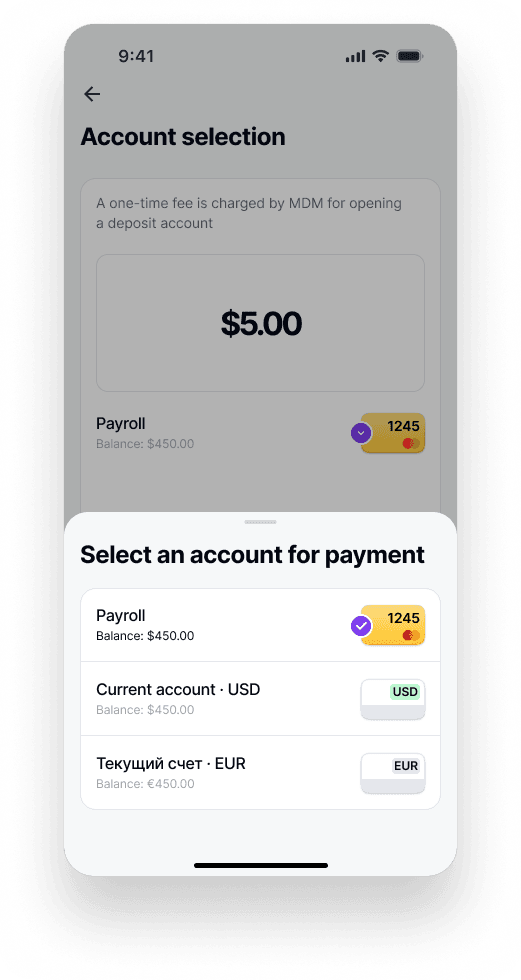
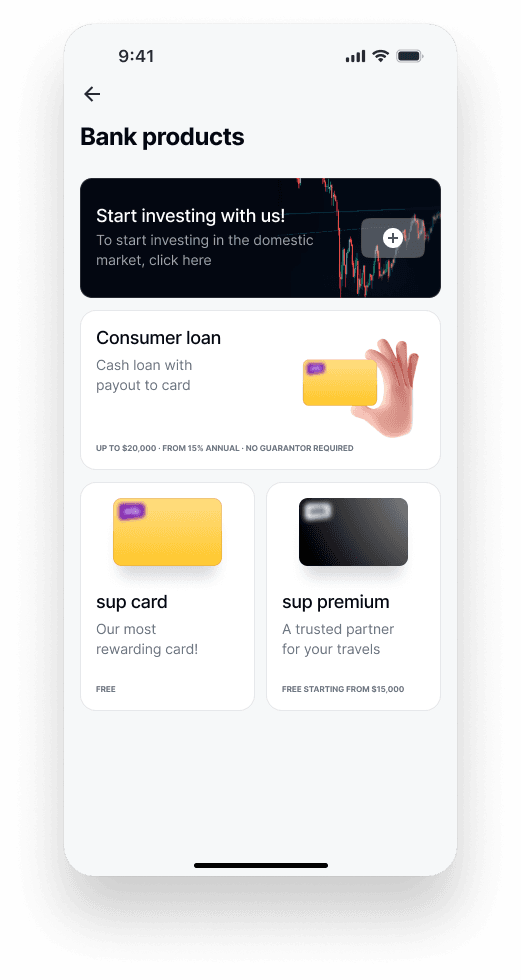
Statements, account selection and product onboarding
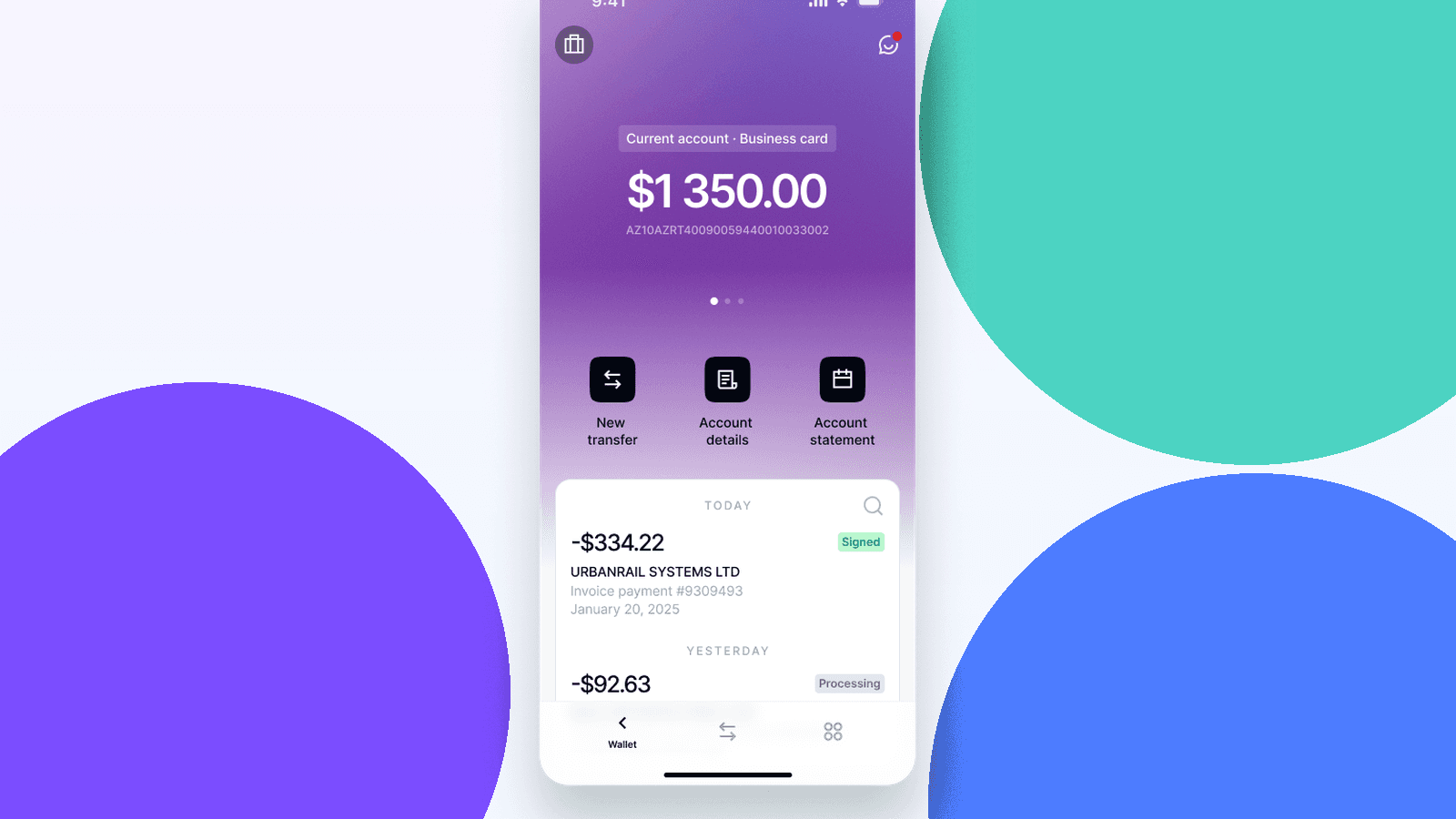
Soft360 account overview and transaction feed

Product areas

Secure onboarding

Registration and approval screens support a controlled first entry into the product, including confirmation through a trusted mobile authorization flow.

Daily banking workspace

The account overview gives users balance context, quick actions, recent operations and access to account details without hiding the primary banking tasks.

Service and product flows

Statements, account selection and bank product screens extend the app beyond transfers into service requests and product discovery.

Mobile product screens

The screens show the main mobile banking surfaces: account overview, onboarding, ASAN approval, transfer confirmation, statements, account selection and bank products.
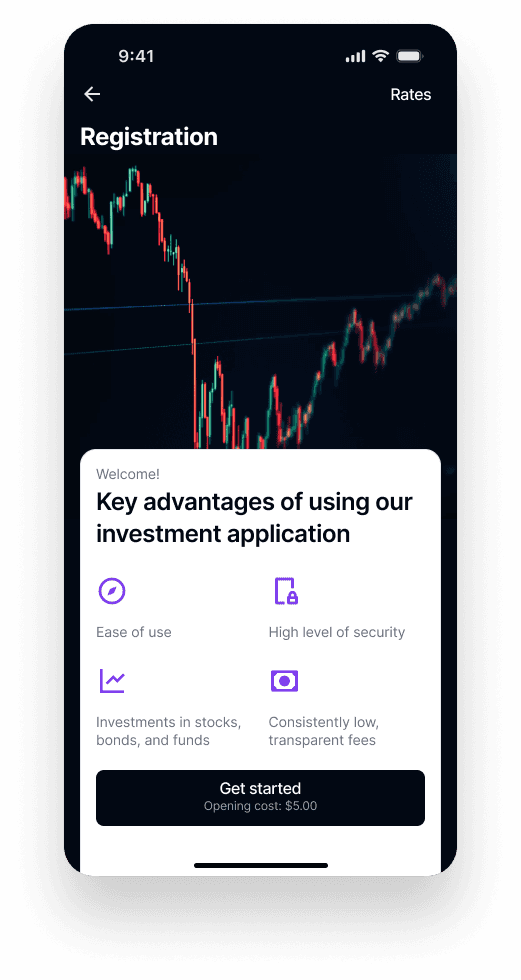
Registration and onboarding screen
ASAN approval waiting screen
Transfer sent confirmation screen
Account statement generation screen
Account selection bottom sheet
Bank products catalogue screen
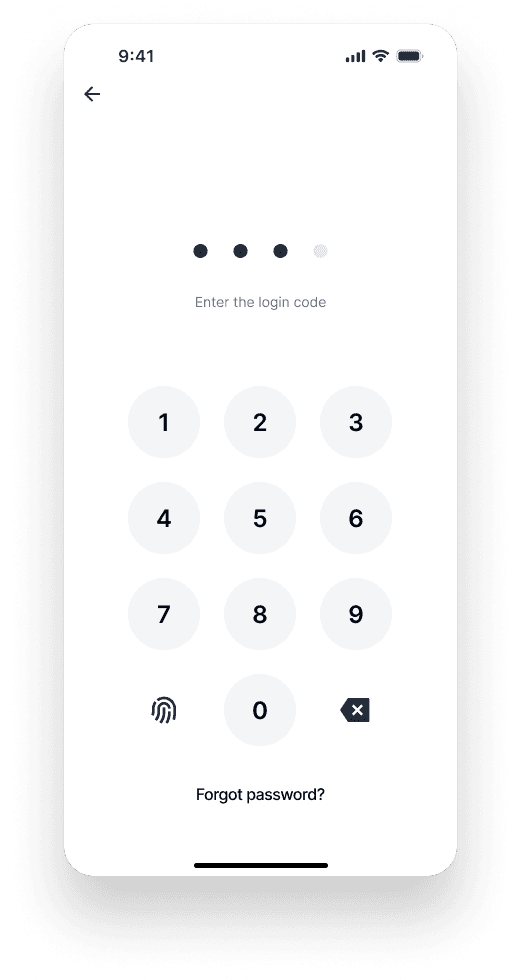
Login code and biometric entry screen

Product result

Shorter everyday paths

Users can move from balance review to transfer, statement or account action without leaving the mobile context.

Clear operational states

Approval, processing, signed and confirmation states make sensitive banking operations easier to understand.

Room for product growth

The app structure supports new banking products, service requests and future account-level scenarios.

Looking for a technology partner for a banking or fintech product?

Let’s discuss your product scope, architecture needs and the most suitable delivery model.

Discuss a project